
Empower Your Workforce with Frictionless IT Support
High-performing organizations run on uninterrupted productivity. Syncro’s integrated platform allows IT departments to resolve issues instantly, automate manual requests, and provide a world-class support experience that keeps employees focused on their work.

Invisible Support Delivery
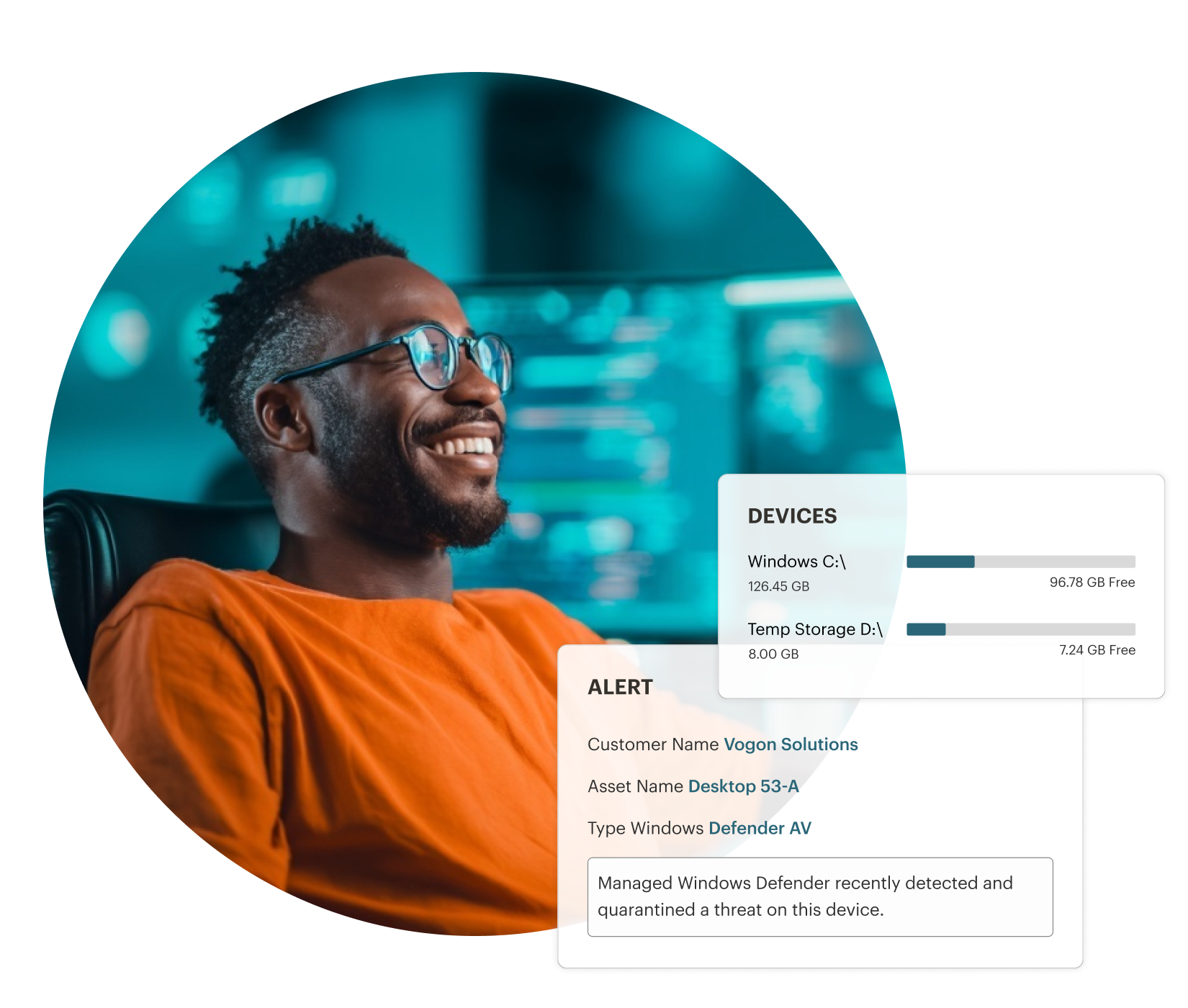
Fix workstation issues quietly in the background using remote terminal and registry access. Ensure employees never have to stop working or relinquish their screens for routine fixes or software updates.

Proactive Downtime Prevention
Identify system bottlenecks like low disk space, high CPU usage, or failing hardware before employees notice anything. Resolve issues through automation, eliminating downtime before it starts.

Self-Service Empowerment
Provide a convenient portal where users can track requests and access resources. Reduce status update emails, strengthen communication, and give users a clear path to work through issues with your team.
Frictionless Support for Focused Workforces.

High-Performance Remote Support
Provide elite assistance when hands-on help is required. Launch secure, low-latency remote sessions instantly to resolve complex issues for your global workforce.

Automated Support Communication
Keep employees informed without manual effort. Use automated status triggers and custom templates to ensure users know exactly where their request stands.

Global Connectivity
Secure your team wherever they work. Our cloud-native architecture provides the same proactive monitoring and support for remote employees as it does for those in an office.

Smart Service Orchestration
Ensure no request falls through the cracks. Use automated ticket routing and SLA tracking to provide consistent, high-quality support across your organization.
High-Performance Remote Support
Provide elite assistance when hands-on help is required. Launch secure, low-latency remote sessions instantly to resolve complex issues for your global workforce.
Automated Support Communication
Keep employees informed without manual effort. Use automated status triggers and custom templates to ensure users know exactly where their request stands.
Global Connectivity
Secure your team wherever they work. Our cloud-native architecture provides the same proactive monitoring and support for remote employees as it does for those in an office.
Smart Service Orchestration
Ensure no request falls through the cracks. Use automated ticket routing and SLA tracking to provide consistent, high-quality support across your organization.


Strengthen Support
Shift from a fix-it shop to a strategic enabler. Build trust with a seamless, branded service experience that reinforces your value.

Streamline Employee Lifecycle
Make a great first impression. From rapid onboarding to seamless transitions, ensure your employees have the tools they need to succeed from day one.

Quantify Your Impact
Move beyond anecdotes. Use executive reporting to demonstrate how your department minimizes downtime and maximizes company-wide productivity.
Strengthen Support
Shift from a fix-it shop to a strategic enabler. Build trust with a seamless, branded service experience that reinforces your value.
Streamline Employee Lifecycle
Make a great first impression. From rapid onboarding to seamless transitions, ensure your employees have the tools they need to succeed from day one, anywhere.
Quantify Your Impact
Move beyond anecdotes. Use executive reporting to demonstrate how your department minimizes downtime and maximizes company-wide productivity.
SYNCRO RMM RESOURCES
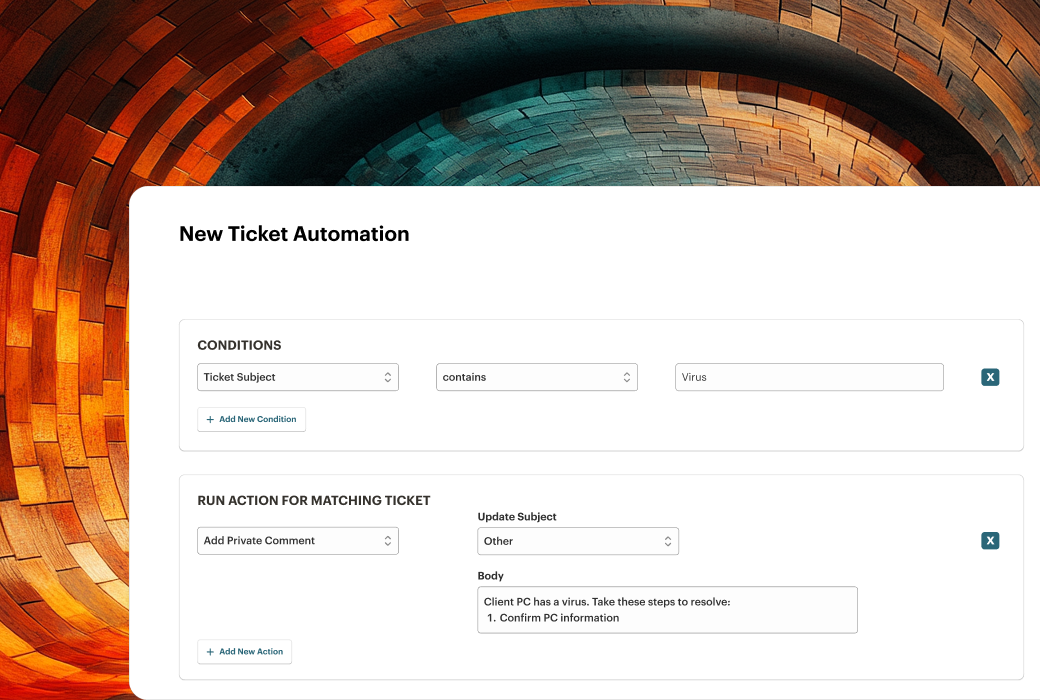
How to Set Up Ticket Workflow to Reduce Resolution Time
Reduce IT ticket resolution time with smarter workflow design. Learn how to automate triage, minimize shadow work, and streamline help desk operations.
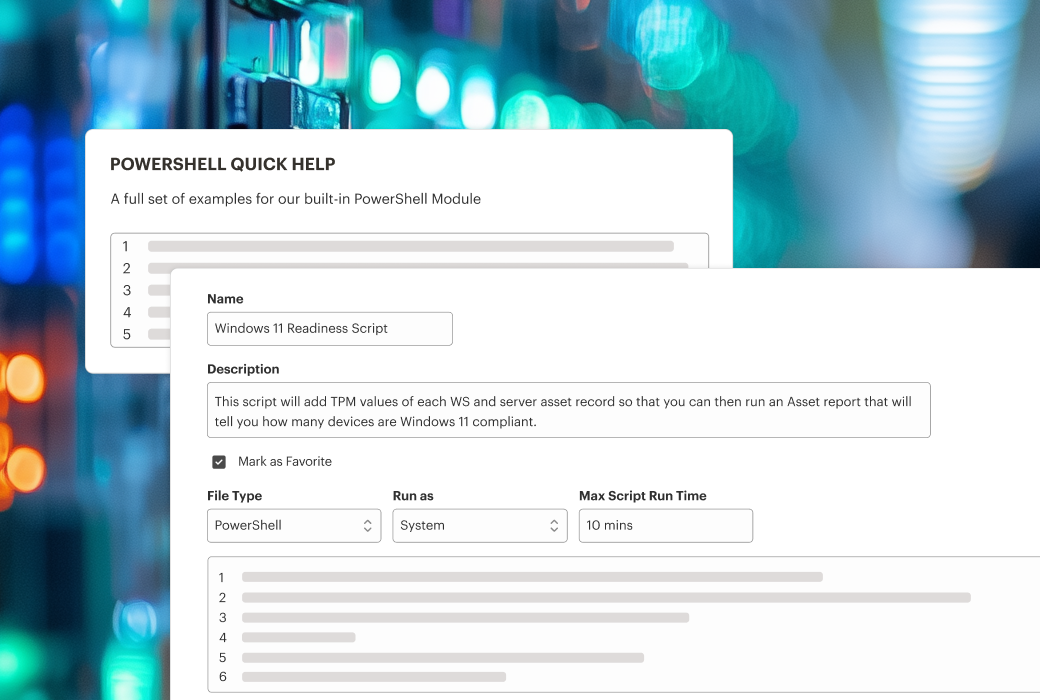
PowerShell Automation Scripts: Efficiency Hacks for IT Professionals
Learn how you can use PowerShell automation scripts to handle routine tasks and free up more time for your technicians.

Data Security Management: Best Practices for IT Admins
Discover practical data security management strategies for IT teams. Improve visibility, automate patching and backups & build a proactive security posture.
Frequently Asked Questions
By using background management and proactive monitoring, IT teams can fix issues without taking over an employee’s screen, leading to higher productivity and fewer work interruptions.
Yep! Syncro includes a customizable User Portal where employees can submit requests, view status updates, and view a history of their tickets, which significantly reduces the need for check-in emails to the IT team.
It is a suite of tools that allows IT to access a device’s terminal, registry, and file system silently. This means an IT admin can deploy a fix or clear a cache while the employee continues to use their applications, avoiding downtime.
Absolutely. Using Syncro’s Scripting Engine and Policy Management, IT can automate the provisioning of new workstations, ensuring every new hire has the right software and security settings on their first day.
Yes. You can brand the portal with your company logo and colors to provide a professional, familiar experience for your internal staff, reinforcing IT as a core, integrated part of the company.
Syncro is cloud-native, meaning it works anywhere there is an internet connection. Remote employees receive the same level of proactive monitoring and background support as those in the office, without needing a VPN.
Yes. You can use Syncro’s automation to create one-click fixes for common problems that employees can trigger themselves, or that your team can run instantly from the dashboard.

Start Your Free Trial with Syncro Today
Gain instant access. Go live in just a few clicks and master core features with guided onboarding. No heavy setup required.

Start Your Free Trial with Syncro Today
Gain instant access. Go live in just a few clicks and master core features with guided onboarding. No heavy setup required.